Draw a world. Then play it.

Pixel Quarry is a game maker where every pixel is real. Paint the ground, dig tunnels through it, blow it up or set it alight. Drop in a hero, a few villagers and something with teeth, press Play, and you are inside the thing you just drew.

Runs in your browser on a phone, tablet or computer. Nothing to install, and no card needed to try it.

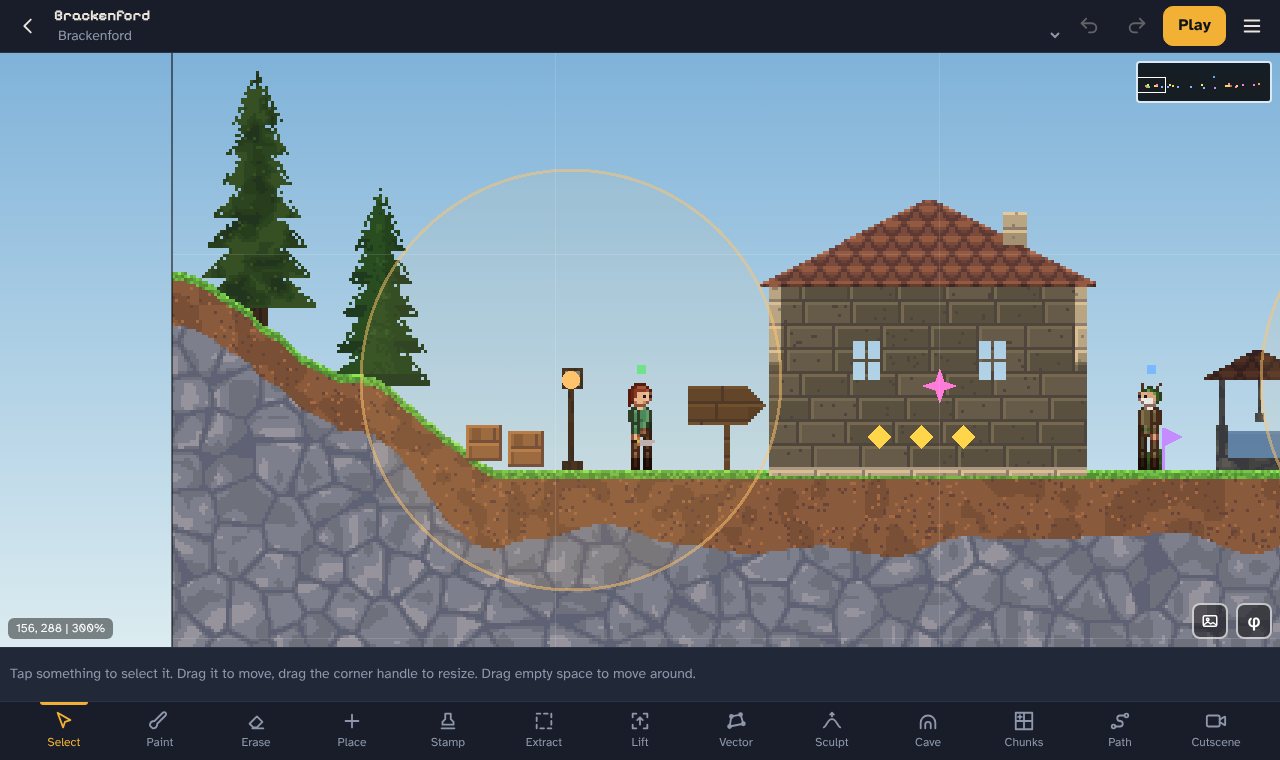
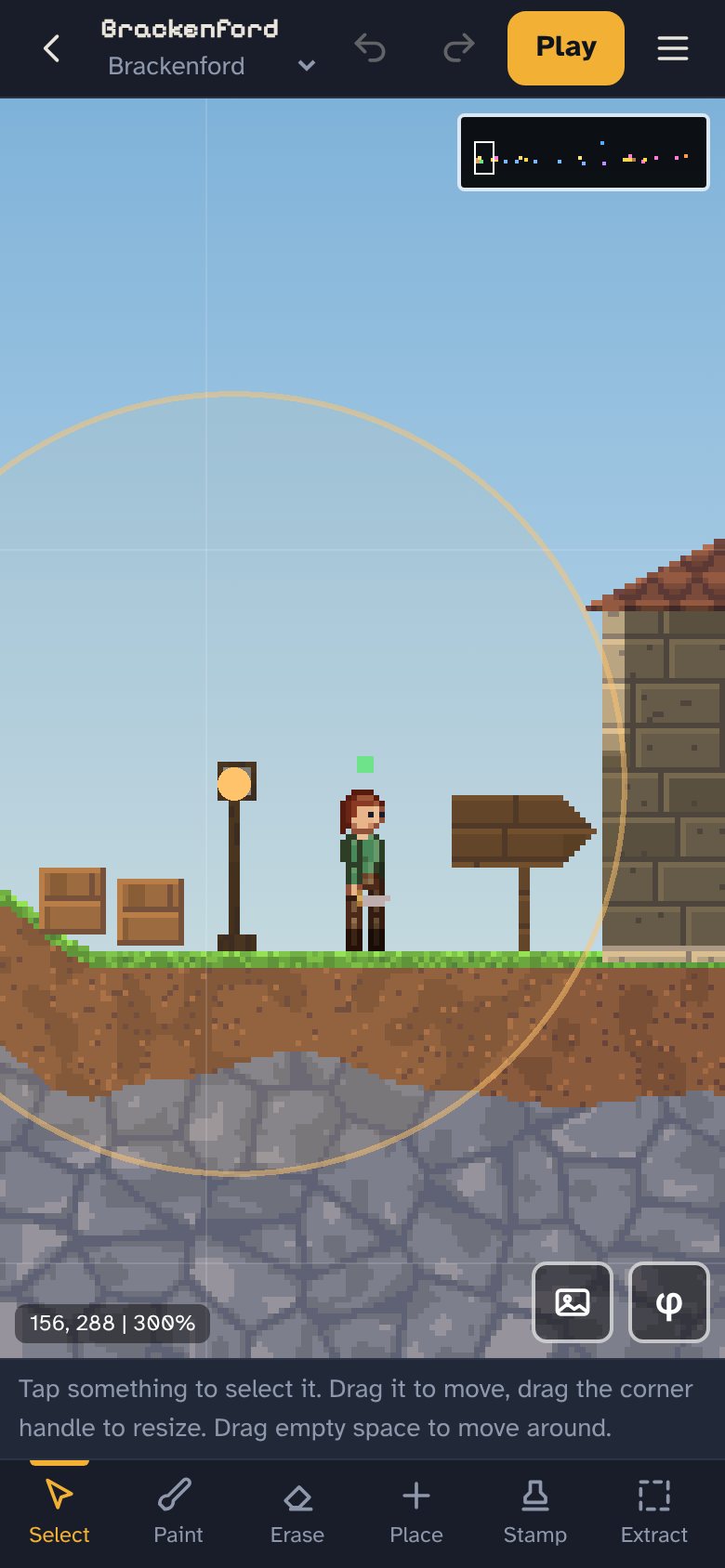
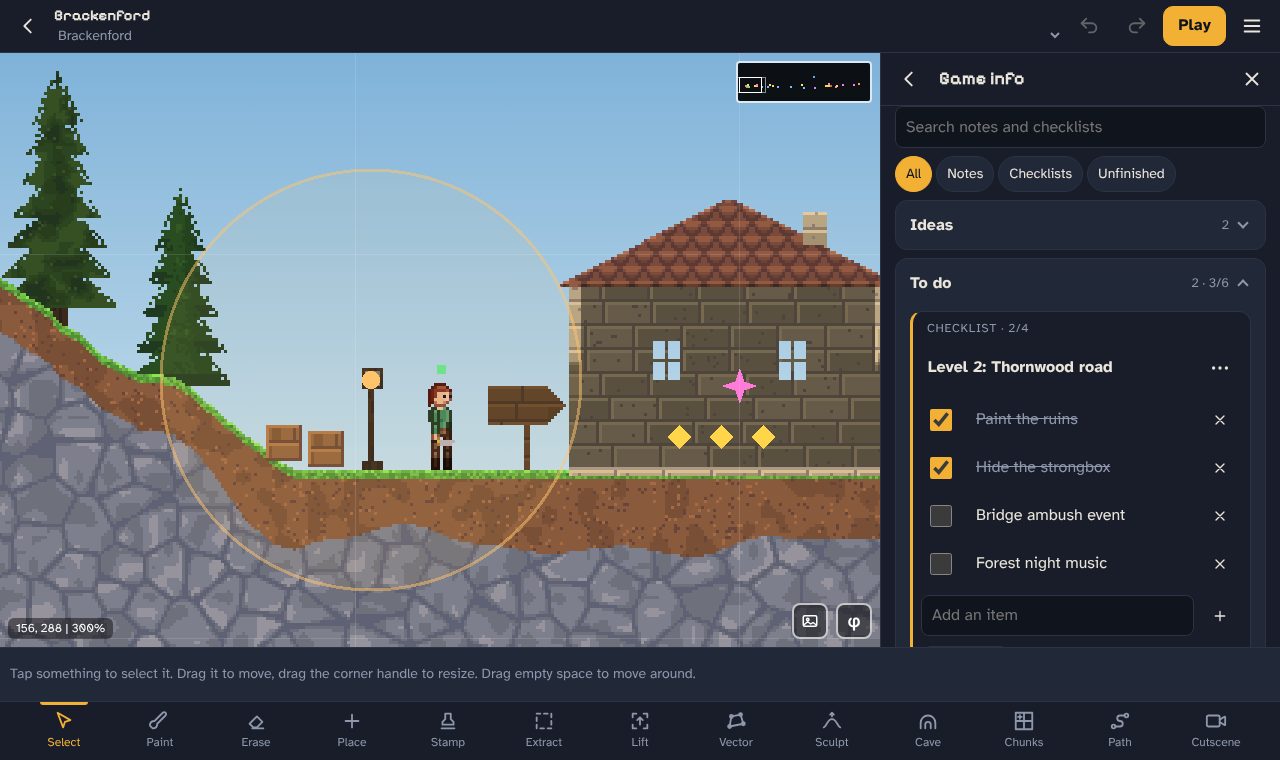
The Pixel Quarry editor showing a village level with a stone house, pine trees and a hero standing on grassy hills. The same level open in the editor on a phone.

How it works

From blank screen to a game you can share

Paint the land

Pick a material and draw. Grass, stone, sand, water, lava, whatever the level needs. Or let the generator lay down hills, lakes and caves, then carve it up how you like.

Fill it with life

Place characters, enemies, chests, doors, lights and checkpoints. Give people something to say, set up a quest, and decide who fights who.

Play it and send it

Tap Play to test it straight away. When it feels right, export the whole game as one file that opens in any browser. Email it, post it, put it on itch.io.

The ground is the game

Every pixel can be dug, burned or blown apart

Levels in Pixel Quarry are not tiles stuck to a grid. They are made of pixels with weight and strength. Players can dig a tunnel to sneak past a guard, blow a hole in a wall, or watch a hillside of sand slump into the lake below.

  • Over 35 materials to paint with, from dirt and cobblestone to ice, obsidian, gold ore and amethyst. Make your own too.
  • Real liquids. Water, oil, lava, acid and honey all flow and pool. Pour water on lava and it cools into obsidian.
  • Strength settings decide what can break each material. Set it to 100 and nothing gets through.
  • Sculpt tools that treat the land like clay: grab, raise, lower, flatten, twirl, pinch and bloat.
  • A cave tool that carves a winding tunnel between two points. Not quite right? Reroll it.
  • Stamps for anything you build twice. Draw a bridge or a bunker once, then drop it anywhere.
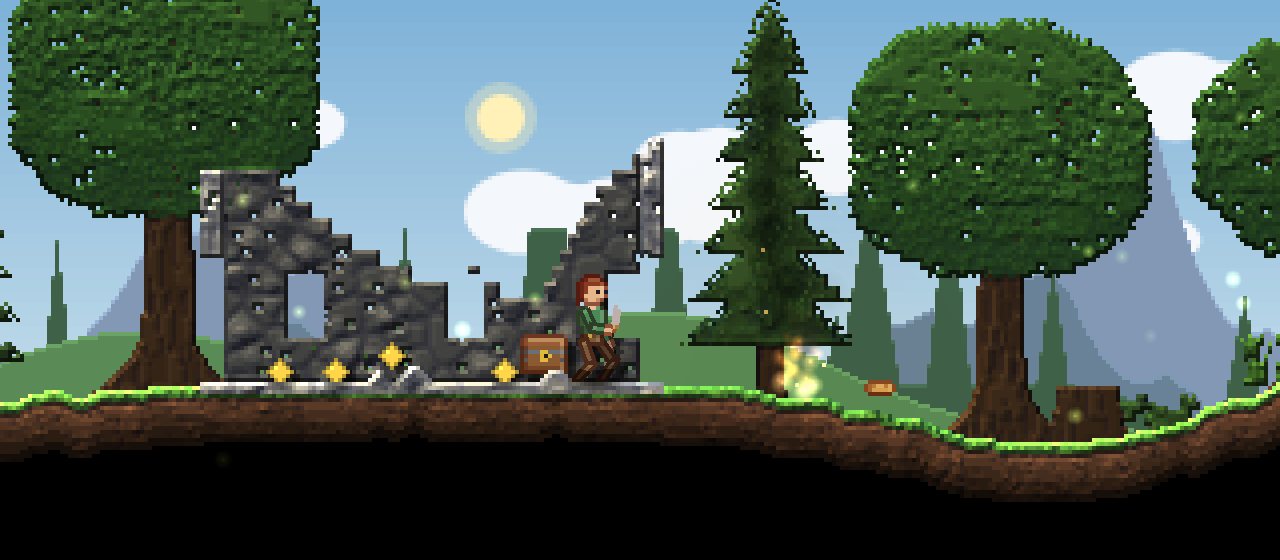
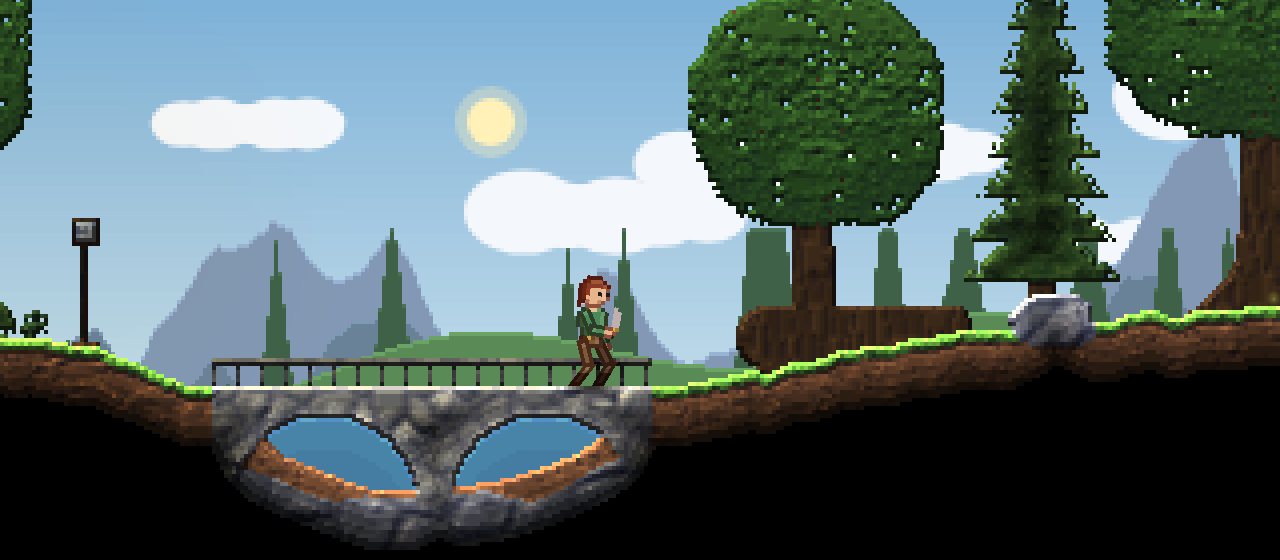
A play test of the forest road, with the hero crossing a stone bridge over a pool of water.

Game modes

One editor, a lot of different games

Start from a blank level or from one of three small finished games. Pull them apart, see how they work, and make them yours.

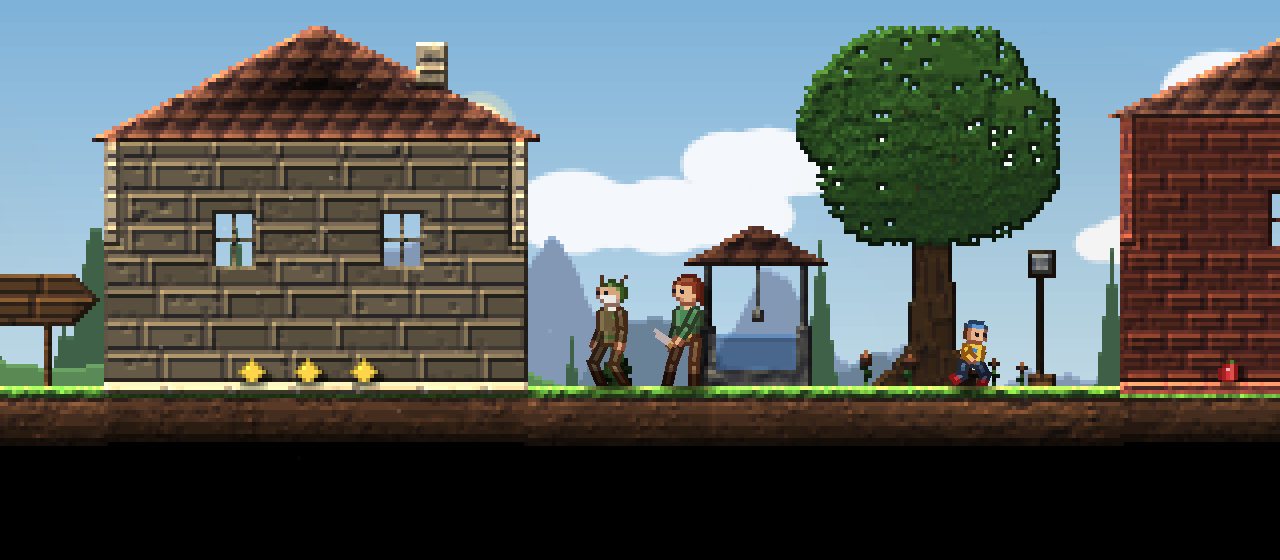
The role playing template: the hero and the village elder by the well, between a stone house and a brick shop.

Role playing adventure

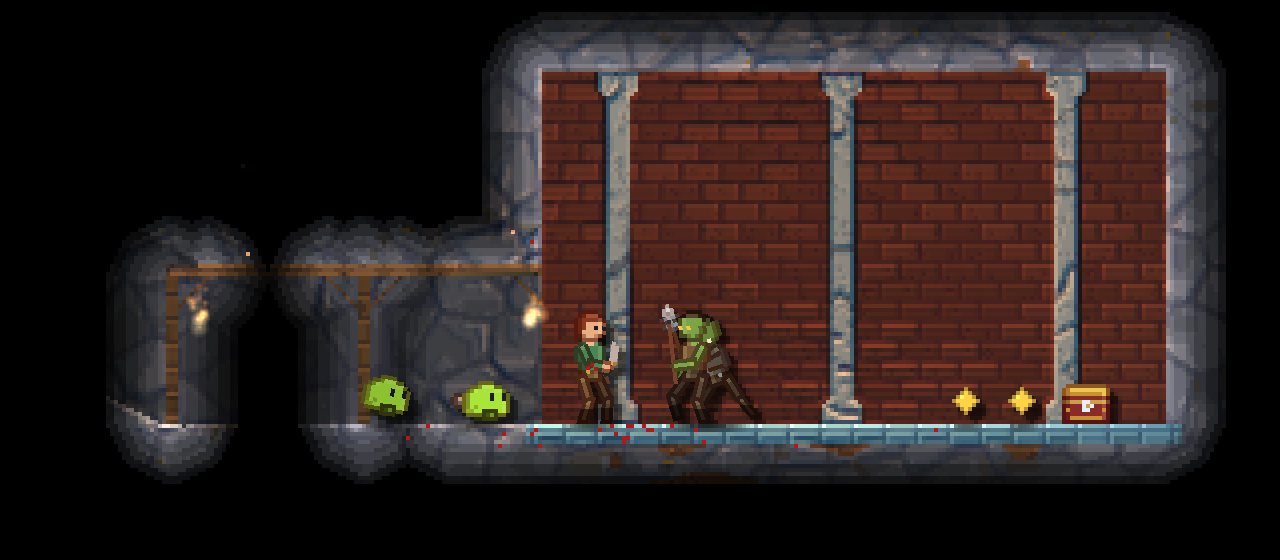
A village, a forest road and an old mine. Quests, traders, loot, and random encounters set off as you walk.

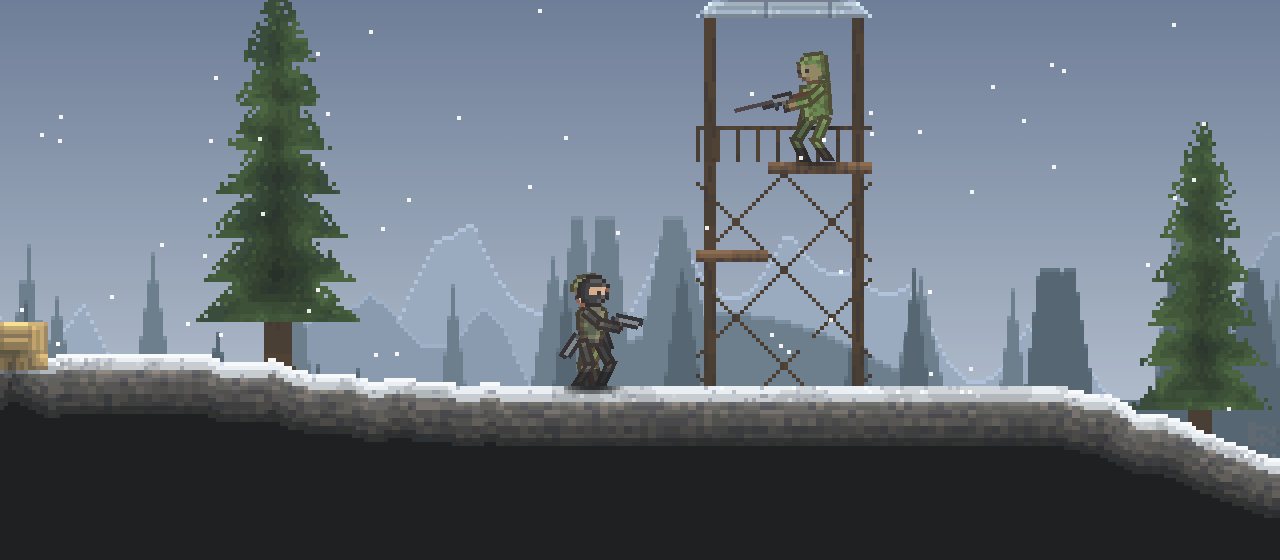
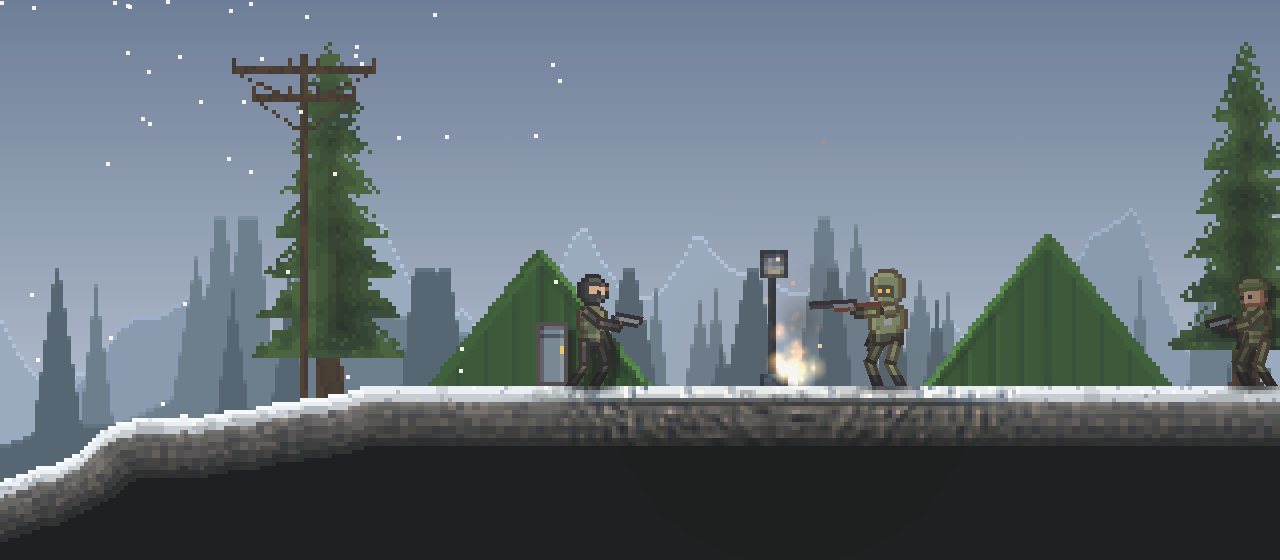
The shooter template: a commando on a snowy ridge below a sniper in a wooden watchtower.

Shooter

Fight across a frozen ridge and into a bunker. Guns, grenades, checkpoints, an alarm that calls in backup, and a boss at the end.

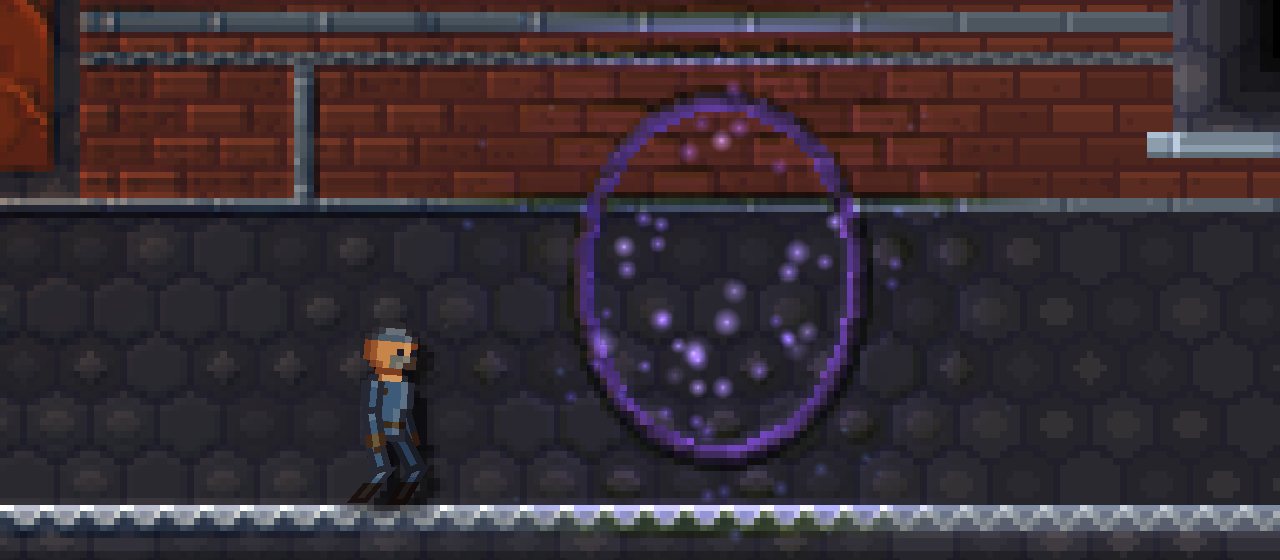
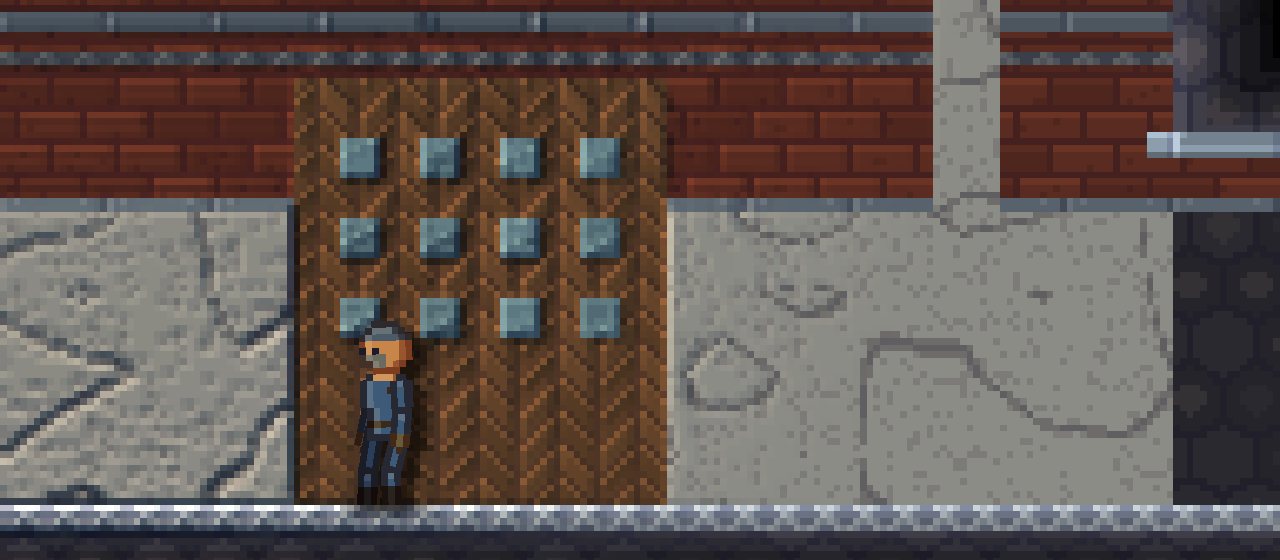
The cinematic platformer template: a worker walking toward a glowing escape ring in a dark factory hall.

Cinematic platformer

A room by room escape in the style of classic cinematic platformers. Lead the workers out, sneak past guards and possess a warden to ride the lift.

More from the templates

And modes you can switch on for any game

World mode

Adds a button to your start menu that builds a brand new world every time: biomes, caves, ore, villages, dungeons and creatures, all from a seed.

Platform mode

Generates a fresh tower of rooms each run. Players climb to the top and every attempt is a different layout.

Stargates

Send players through a gate to a world grown from a seed, with its own colors, sky, gravity and creatures. Players can learn new seeds and type them in.

Sandbox and conjure

Turn on god mode, or let players type a name to spawn characters and items into the world and see what happens.

Levels made by your players

Give your game its own level editor so players can build and share their own levels, and even write events.

Talk to anyone

Let the player speak to the characters around them, with choices that pop up as the conversation goes.

World sizes and generation

From one small room to a world you can get lost in

Levels are measured in chunks of 128 by 128 pixels. Make a tight single screen puzzle, or stretch a level out until it takes real time to cross. A game can hold as many levels as your plan allows, linked by doors and portals.

512 x 256chunks in the biggest level
65,536pixels from one side to the other
14biome styles for generated worlds
15kinds of weather

Let the generator do the heavy lifting

Choose what you want and press Generate. Hills, mountains, plains and ocean on top. Caves, ore, lakes and lava pools below, all the way down to an underworld that stays dark unless you bring a light.

  • Forest
  • Desert
  • Tundra
  • Jungle
  • Meadow
  • Savanna
  • Swamp
  • Badlands
  • Ashlands
  • Glacier
  • Highlands
  • Fungal
  • Crystal
  • Deadlands

Places worth finding

Generated worlds can be dotted with villages, lone houses, stone towers, buried cabins, floating islands and dungeons with chests inside. Turn each one up, down or off.

Then paint over any of it by hand. The generator gives you a start, not a finished level.

Characters and player abilities

Build anyone, then decide what they can do

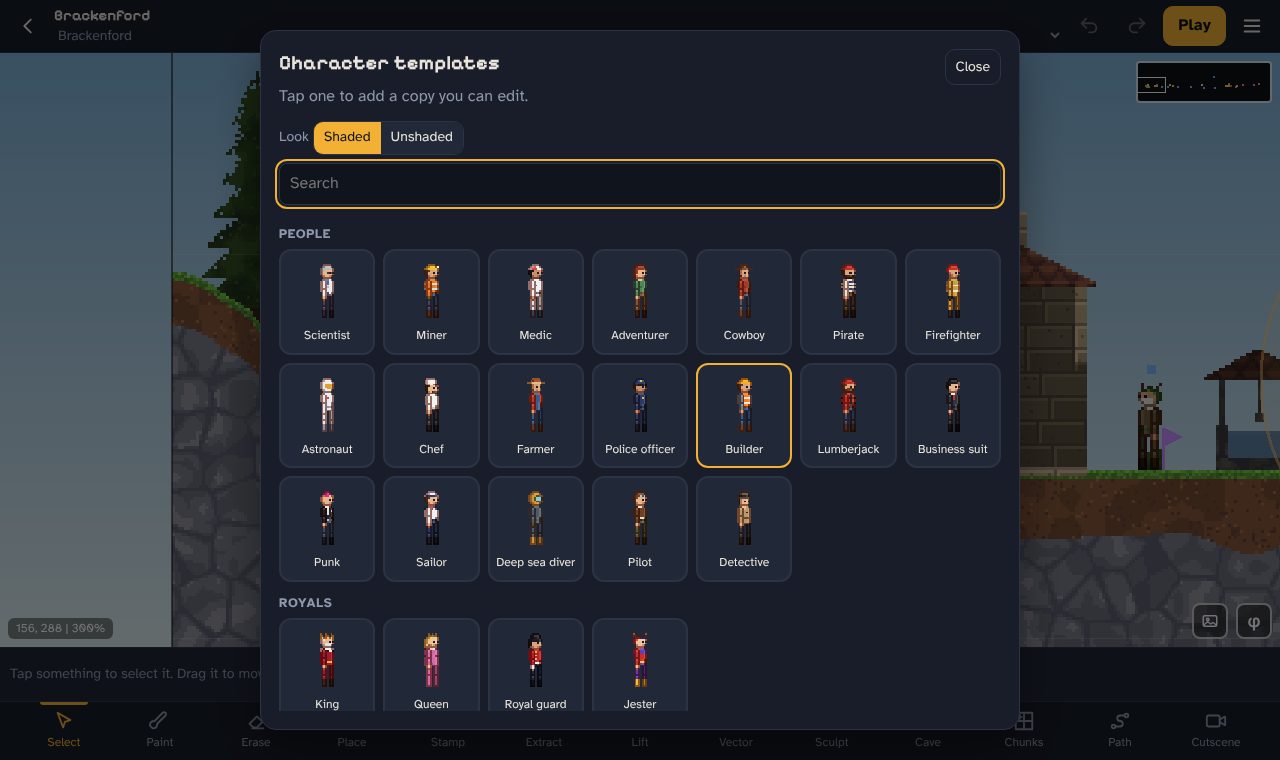
Paint each body part, pick a body plan, add limbs and tune how they move. Start from a template, or let the generator make someone for you. Bodies are physics ragdolls, so a good hit sends them flying.

  • Movement: run speed, jump height, double jump, ledge grabs, air control and how hard a fall hurts.
  • Possession: the player can chant to take over another character and use all of their abilities.
  • Mana for powers, with its own bar and color.
  • Stats that grow with practice. Jump a lot and you jump higher. Take hits and your defense goes up.
  • Hazards: fireproof heroes, holding your breath underwater, and damage from the land itself.
  • Characters with jobs: followers, traders, crafters and enchanters. Some fly, some swim, and some can be ridden.
  • Factions so the right people fight each other on sight.
  • Blood is off by default, so every game starts out fine for kids. Switch it on in Game rules if your game needs it.

There are also a few sillier abilities in there. We will let you find those yourself.

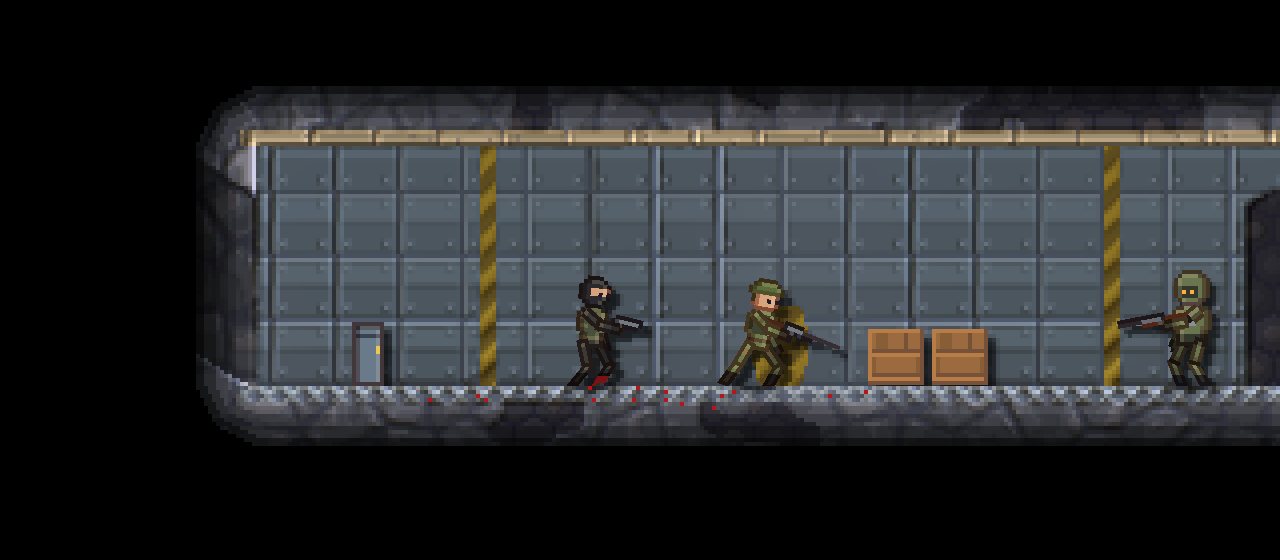
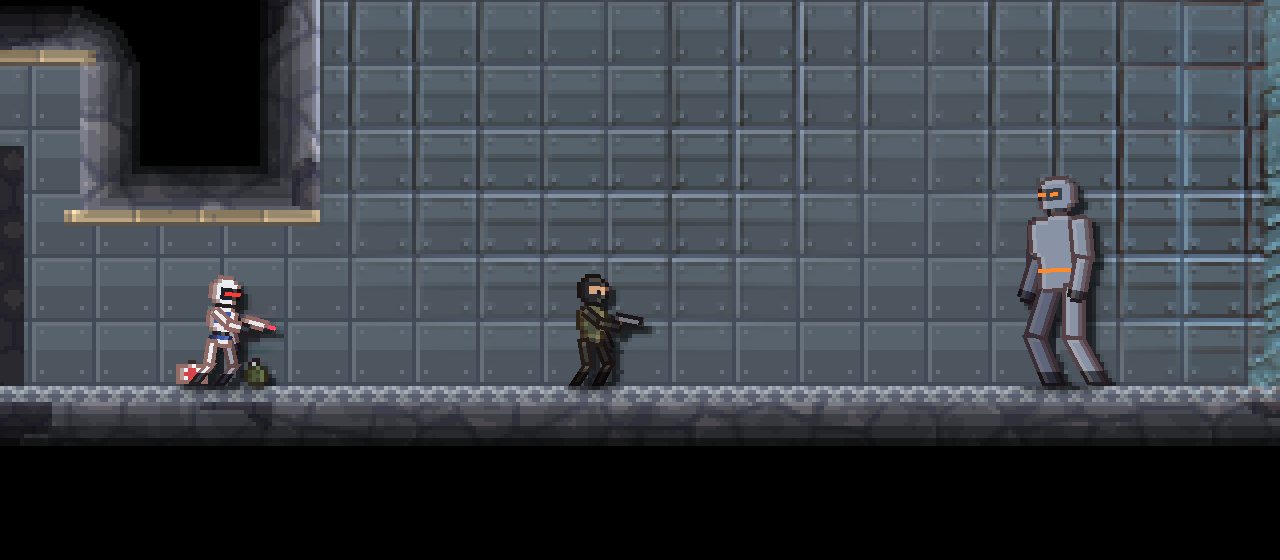
A commando, a sentry robot and the giant relay warden in the bunker's core room.

Items

Swords, grappling hooks and a portal gun

Draw any item pixel by pixel, then choose what it does. Items can be crafted from the materials players dig up, and enchanted with extra effects.

Fight

Melee weapons, guns, long range rifles that zoom out when you aim, and grenades.

Explore

Grappling hook, portal shooter, laser digging tool and a fishing rod.

Build

A physics gun to throw things around, and a hammer that lets players build.

Everything else

Things to wear, potions and food, readable books, keys, quest items and chests.

Particles, weather and light

Make it feel like a place

49 ready made particle effects to drop straight into a level, or build your own from scratch: shape, color, glow, how they move and whether they bounce off the ground.

  • Campfire
  • Torch flame
  • Waterfall
  • Geyser
  • Poison cloud
  • Fireflies
  • Fairy dust
  • Portal swirl
  • Healing aura
  • Electric sparks
  • Explosion
  • Shockwave
  • Fireworks
  • Coin burst

Each level gets its own sky, scenery, day and night cycle, music and weather. Rain, thunderstorms, hail, blizzards, dust storms, fog, falling ash, drifting petals and shooting stars. Finish it off with screen effects like vignette, scanlines, film grain and bloom.

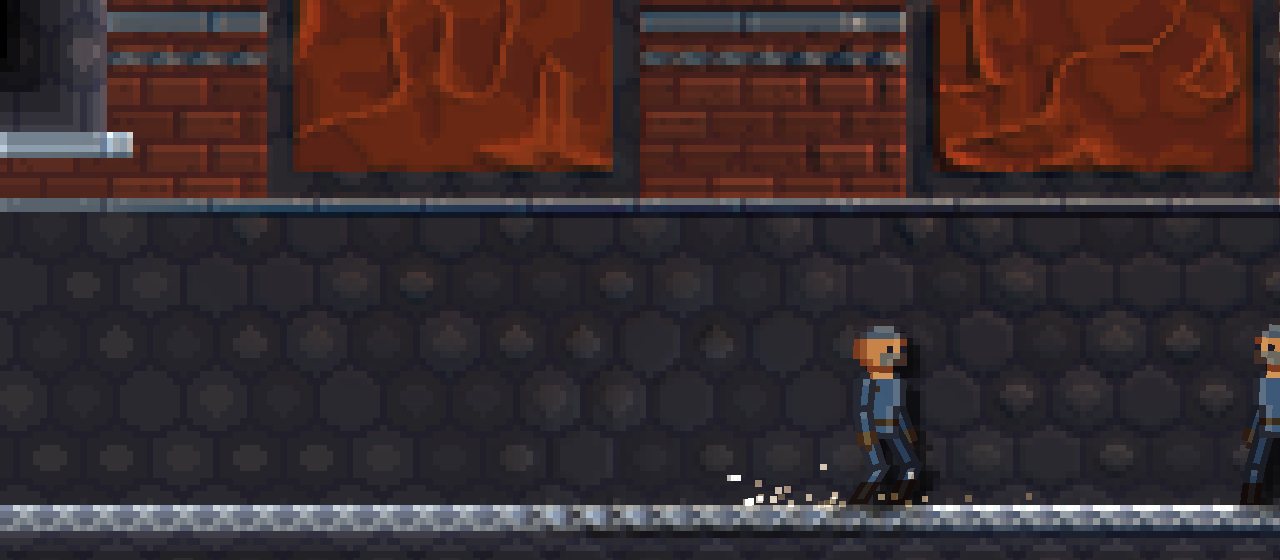
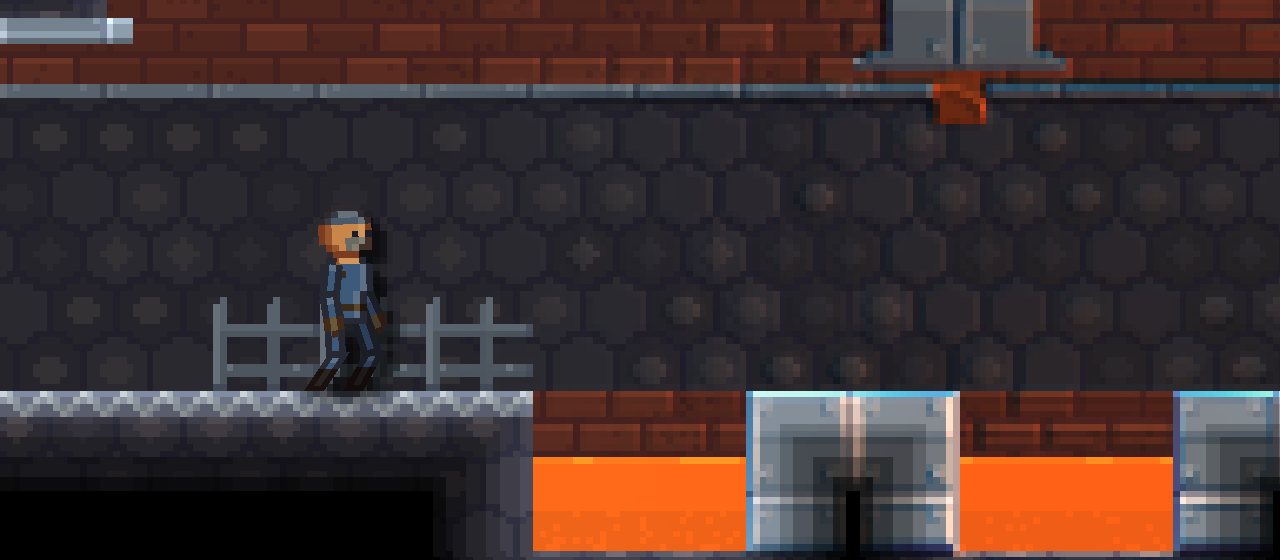
A factory corridor with a glowing channel of molten slag running under the floor.

Story, logic and sound

Make things happen without writing code

Events

Rules that react to the world. When the player walks into this zone, if they are holding the key, open the door. Stack them up and you have puzzles, traps and boss fights.

Story

Dialogue, cutscenes with narration, quests with a quest log, and books you can type or write by hand with a stylus.

Sound and music

Make sound effects with sliders, write songs by picking a mood and style, or bring in your own audio files.

Sound and music makers

Make every sound and song yourself

No hunting for audio and no worrying about who owns it. Sounds and songs are saved as settings, not audio files, so they add almost nothing to the size of your game.

  • Sound maker: start from presets in three styles, smooth, retro or layered, then shape it with sliders. Randomize or mutate it until it sounds right.
  • Layers for bigger sounds, each one starting at its own moment.
  • Music maker: pick one of 25 genres and 14 moods, from chiptune and folk to synthwave, metal and orchestral, and get a full song.
  • Every part can be changed: tempo, feel, melody, counter melody, chords, pad, bass and arpeggio.
  • Same seed, same song. Roll a new seed for a fresh take, or randomize the lot.
  • Music for every moment: give each level its own song, plus tracks that kick in for fights and chases.
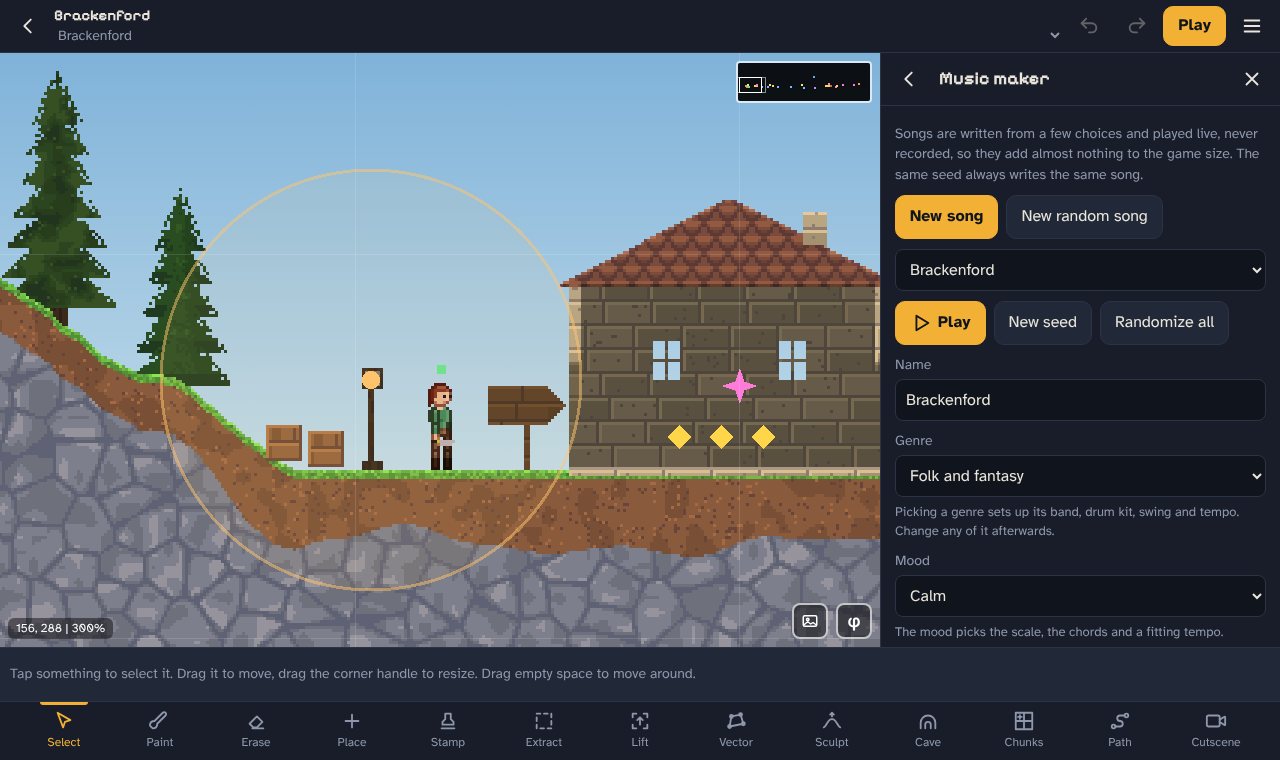
The music maker open in the editor, with the genre, mood and tempo of a song.

Sharing your game

One file. Anyone can play it.

Export your finished game as a single HTML file and send it to anyone. It opens in a browser, so there is nothing for them to install. Want it on a website or itch.io? Export a zip instead.

  • Publish straight from the editor to the games page, where people can play, rate and comment. Updates go out with one tap.
  • Design your own start menu, with 68 fonts to choose from or your own.
  • Shrink and tidy the game code on export so it loads fast.
  • Share single levels, characters and items as files or short codes.
  • Built in accessibility options for your players.
  • Keep projects in the cloud on paid plans, back them up to a file, or sync them through GitHub.
The full editor toolbar: select, paint, erase, place, stamp, extract, lift, vector, sculpt, cave, chunks, path and cutscene.

Pricing

Start free. Upgrade when you want to share.

Every plan has every tool. Paid plans let you export your games and give you more room to build.

Free

Try everything and see if it clicks.

$0

No card, no account needed

  • Every tool in the editor
  • 1 project
  • 2 levels, up to 16 x 16 chunks each
  • 5 characters and 5 items
  • The standard materials
  • No exporting
Open the free version

Supporter

For finishing a game and sharing it.

$10 / month

Billed monthly. Cancel any time.

  • Export games as an HTML file or zip
  • Share levels, characters and items
  • Publish to the games page
  • 3 games
  • 5 levels per game
  • Full size levels, up to 512 x 256 chunks
  • Unlimited characters and items
  • Your own materials
  • 50 MB of cloud saves
  • Can sell your games
Get Supporter
Most popular

Creator

For making a few games properly.

Launch price

$39 $25 / month

Billed monthly. Cancel any time.

  • Everything in Supporter
  • 10 games
  • 10 levels per game
  • 200 MB of cloud saves
  • Can sell your games
Get Creator

Studio

For big games and people who make lots of them.

Launch price

$89 $50 / month

Billed monthly. Cancel any time.

  • Everything in Creator
  • Unlimited games
  • Unlimited levels
  • 500 MB of cloud saves
  • Can sell your games
Get Studio

Prices in US dollars. Sales tax or VAT may be added at checkout depending on where you live. Games you have already exported keep working forever, even if you stop paying.

Questions

Good things to know

Do I need to download anything?

No. Pixel Quarry runs in your browser. It works on phones and tablets with touch controls, and on computers with a mouse and keyboard shortcuts.

Do I need to know how to code?

Not at all. You paint levels, place things and set up events by picking from lists. If you can use a drawing app, you can make a game.

Where are my projects saved?

On your own device, in your browser, and they save by themselves as you work. On Creator and Studio you can also keep projects in the cloud and open them on any device you sign in on. Back up files and GitHub syncing work on every plan too.

Can I carry on from the free version?

Yes. Nothing you make in the free version is wasted. Open the full editor on the same device and browser and your projects are already there. Moving to another device? Back up the project and load the file there.

Is it suitable for kids?

Yes. Blood and wounds are off by default in every new project and template, so nobody bleeds, nothing gets chunks taken out of it and acid does not melt anyone on screen. Makers can switch it on in Game rules when their game calls for it.

Can I sell the games I make?

Yes. The games you make are yours. Sell them on itch.io, your own site or anywhere else, and keep every cent. You do not owe us anything.

Can people play my game on your site?

Yes. On Creator and Studio you can publish games to the games page right from the editor. Each game gets its own page with ratings and comments, and your profile lists everything you have made. Press Publish again to send an update, and switch a game off any time you like. Playing is free for everyone.

What happens if I cancel?

Your plan stays on until the end of the period you paid for. After that you go back to the free version. Your projects stay on your device, and any games you already exported keep working.

Can I change plans later?

Yes, any time from your account page. If you move up part way through a month, you only pay the difference.

What if it is not for me?

Try the free version first, it has every tool. If you do pay and change your mind, read the refund policy.

Your first level takes about a minute

Open the free version, draw some ground, drop in a hero and press Play.